Freshly Printed - allow 7 days lead
Couldn't load pickup availability
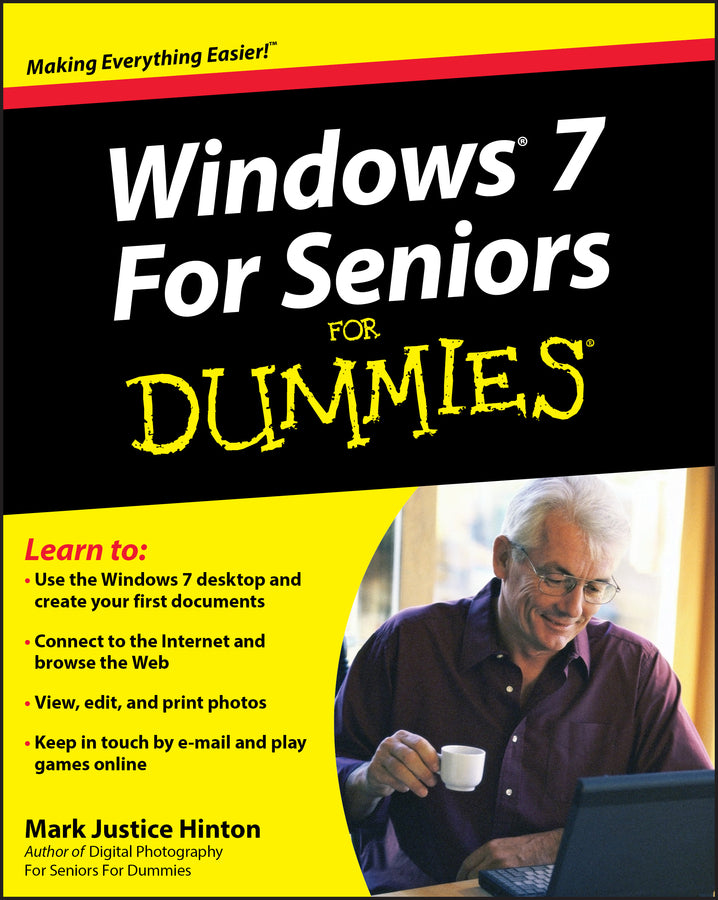
Windows 7 For Seniors For Dummies
Mark Justice Hinton (Author)
9780470509463, Wiley
Paperback / softback, published 11 September 2009
408 pages, Screen captures: 150 B&W, 0 Color
23.6 x 18.8 x 2 cm, 0.531 kg
This easy-to-understand guide helps seniors get started with Windows 7! Many seniors use a home computer to stay connected to family and friends. This fun and friendly guide shows how to use Windows 7, the most popular operating system pre-loaded onto personal computers and laptops, to write e-mails, connect with family via Windows Live Messenger, download pictures with Photo Gallery, and listen to music using Windows Media Player. Windows 7 For Seniors For Dummies uses a large font for the text that makes the book easier to read and it features magnified screen shots to help make the subject matter less intimidating. For Dummies author Mark Justice Hinton walks you through the basics of Windows 7, shows you how to customize the desktop so that it accommodates your needs, and explains how to use the webcam and instant messenger to keep in contact with family and friends. Plus, you'll get critical insight for protecting your personal information. For seniors interested in getting started using the exciting features of Windows 7, Windows 7 For Seniors For Dummies is the ideal beginner guide!
Introduction 1 Part I: Getting to Know Windows 7 7 1: Getting Comfortable with the Windows 7 Desktop 9 2: Examining the Anatomy of a Window 29 3: Creating Your First Documents 45 4: Organizing Your Documents 69 Part II: Getting Things Done in Windows 7 93 5: Taking Advantage of the Windows Accessories 95 6: Installing and Removing Programs 115 7: Working with Printers and Other Add-On Devices 127 Part III: Discovering the Internet 141 8: Connecting to the Internet 143 9: Finding What You Need on the Web 153 10: Sending and Receiving E-Mail 179 Part IV: Having Fun with Windows 7 201 11: Playing Games 203 12: Enjoying Photos in Windows 7 213 13: Listening to Music and Watching DVDs 235 Part V: Having It Your Way with Windows 7 259 14: Making Windows 7 More Fun to Use 261 15: Using the Taskbar and Start Menu Smartly 285 16: Making Windows 7 Easier to Use 303 Part VI: Staying Safe and Keeping Windows 7 Healthy 323 17: Updating Windows 7 325 18: Protecting Your Computer 341 19: Keeping Your Data Safe 359 Index 377
Subject Areas: Computer hardware [UK]