Freshly Printed - allow 7 days lead
Couldn't load pickup availability
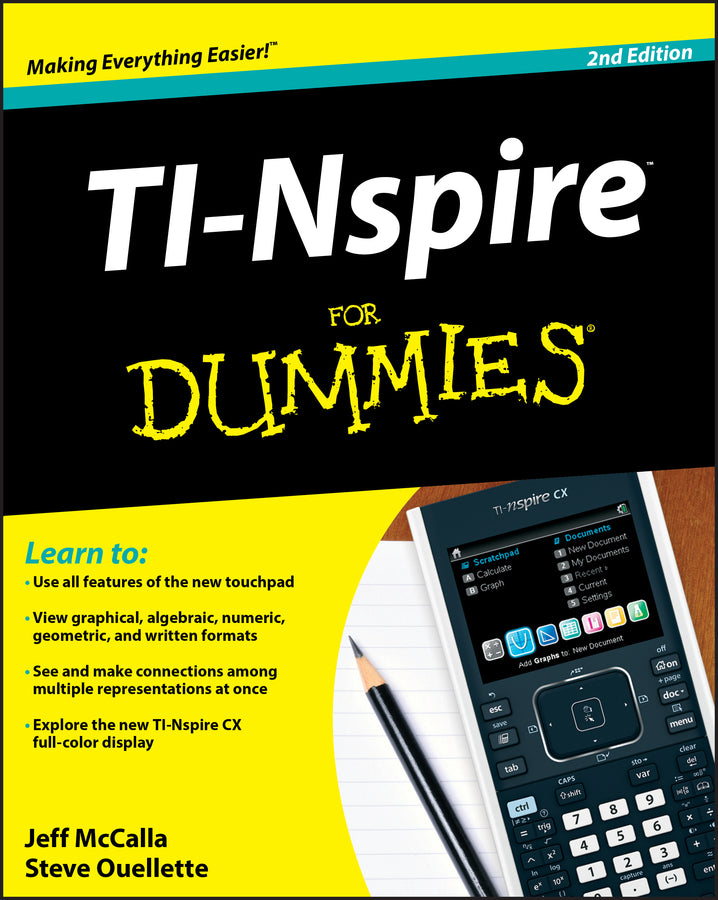
TI-Nspire For Dummies
Jeff McCalla (Author), Steve Ouellette (Author)
9781118004661, Wiley
Paperback / softback, published 7 June 2011
384 pages, Screen captures: 300 B&W, 0 Color
23.4 x 18.5 x 2.5 cm, 0.567 kg
The updated guide to the newest graphing calculator from Texas Instruments The TI-Nspire graphing calculator is popular among high school and college students as a valuable tool for calculus, AP calculus, and college-level algebra courses. Its use is allowed on the major college entrance exams. This book is a nuts-and-bolts guide to working with the TI-Nspire, providing everything you need to get up and running and helping you get the most out of this high-powered math tool. With updated screenshots and examples, TI-Nspire For Dummies provides practical, hands-on instruction to help students make the most of this revolutionary graphing calculator.
Introduction 1 Part I: Getting to Know Your TI-Nspire Handheld 9 Chapter 1: Using TI-Nspire for the First Time 11 Chapter 2: Understanding the Document Structure 25 Chapter 3: Creating and Editing Documents 37 Chapter 4: Linking Handhelds 47 Part II: The Calculator Application 51 Chapter 5: Entering and Evaluating Expressions 53 Chapter 6: Working with Variables 69 Chapter 7: Using the Calculator Application with Other Applications 77 Chapter 8: Using the Calculator Application with TI-Nspire CAS 85 Part III: The Graphs Application 99 Chapter 9: Working with Graphs 101 Chapter 10: Using the Graphs Application to Do Calculus 131 Part IV: The Geometry Application 135 Chapter 11: Working with Geometric Objects 137 Chapter 12: Using an Analytic Window in the Geometry Application 159 Part V: The Lists & Spreadsheet Application 165 Chapter 13: Applying What You Already Know about Spreadsheets 167 Chapter 14: Working with Data 177 Chapter 15: Constructing Scatter Plots and Performing Regressions 189 Chapter 16: Manual and Automatic Data Capture 201 Part VI: The Data & Statistics and Vernier DataQuest Applications 209 Chapter 17: Constructing Statistical Graphs 211 Chapter 18: Working with Single-Variable Data 215 Chapter 19: Working with Two-Variable Data 227 Chapter 20: Data Collection 237 Part VII: The Notes Application 249 Chapter 21: The Why and How of Using Notes 251 Chapter 22: Taking Notes to a Whole New Level 255 Part VIII: TI-Nspire Computer Software 261 Chapter 23: Getting Started with TI-Nspire Computer Software 263 Chapter 24: File Creation and Display in Documents Workspace 271 Chapter 25: File Management with Content Workspace 287 Part IX: The Part of Tens 295 Chapter 26: Ten Great Tips and Shortcuts 297 Chapter 27: Ten Common Problems Resolved 305 Appendix A: Safeguarding in Press-to-Test Mode 311 Appendix B: Basic Programming 315 Appendix C: Working with Libraries 331 Index 337
Subject Areas: Computer hardware [UK]