Freshly Printed - allow 7 days lead
Couldn't load pickup availability
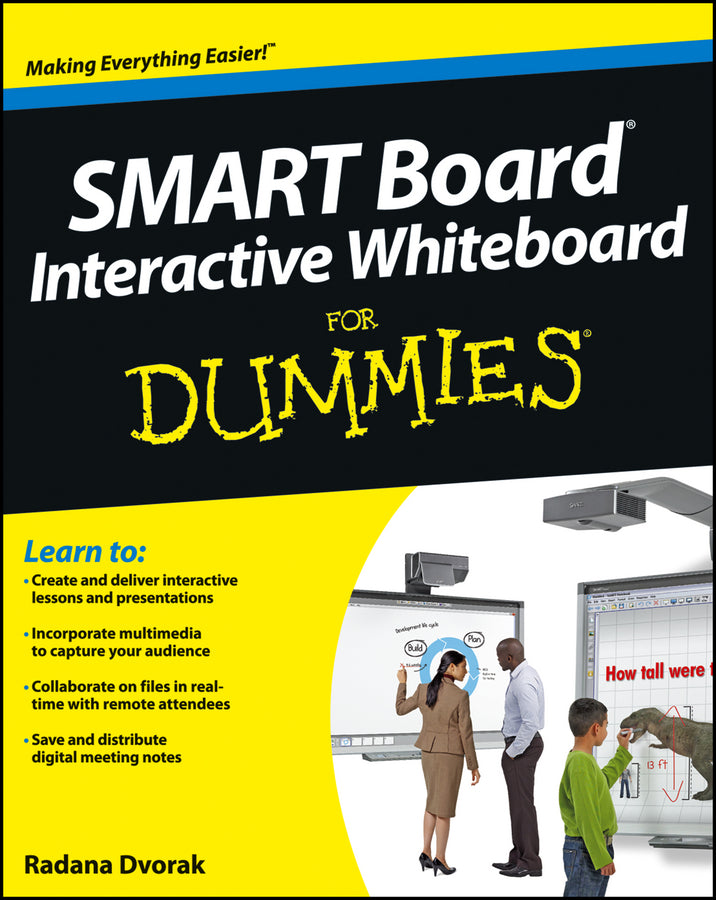
SMART Board Interactive Whiteboard For Dummies
Radana Dvorak (Author)
9781118376683, Wiley
Paperback / softback, published 26 October 2012
368 pages
23.4 x 18.5 x 2.3 cm, 0.499 kg
The easy-to-use guide to SMART Board® interactive whiteboards SMART Board interactive whiteboards—which combine the functionality of a computer with the simplicity of a whiteboard—are rapidly becoming fixtures in classrooms, boardrooms, and lecture halls everywhere. While these high tech devices are transforming the ways we teach and learn, getting the most out of them can be down right intimidating. SMART Board® Interactive Whiteboard For Dummies is here to help, explaining everything users need to know to make the most of their technology. Covering topics including how to calibrate a SMART Board interactive whiteboard using a computer, navigating software options, creating interactive presentations and lesson plans, incorporating sound and animation, managing content, and using digital ink with the touch of a finger, the book is designed to get your interactive whiteboard up and running in no time. The go-to guide for anyone working with SMART Board interactive whiteboards, SMART® Board Interactive Whiteboard For Dummies is designed to make using the chalkboards of the twenty-first century a cinch.
Introduction 1 Part I: Getting Started with Your SMART Board Interactive Whiteboard 5 Chapter 1: Unveiling the SMART Board Interactive Whiteboard 7 Chapter 2: Setting Up Your SMART Board Interactive Whiteboard 21 Chapter 3: Configuring Your SMART Board Interactive Whiteboard and Components 33 Chapter 4: Performing Basic Tasks with Your SMART Board Interactive Whiteboard 49 Part II: Creating Lessons and Presentations with SMART Notebook Collaborative Learning Software 63 Chapter 5: Getting Acquainted with SMART Notebook Software 65 Chapter 6: Creating and Working with SMART Notebook Files 85 Chapter 7: Creating and Working with SMART Notebook Pages 97 Chapter 8: Creating and Working with Objects 119 Chapter 9: Using Your Own Content 149 Chapter 10: Using Content from SMART Resources 167 Chapter 11: Creating Your First Lesson or Presentation 181 Part III: Adding Interactivity Tools and Collaborating Activities 197 Chapter 12: Adding Multimedia to Your Presentation or Lesson 199 Chapter 13: Collaborating with Your SMART Board Interactive Whiteboard 213 Chapter 14: Taking Advantage of Remote Collaboration and Other Conferencing Tools 227 Chapter 15: Using SMART Meeting Pro Software 241 Chapter 16: Putting It All Together: Some Great Examples 255 Part IV: The Part of Tens 267 Chapter 17: Ten (Or So) Frequently Asked Questions 269 Chapter 18: Ten (Or So) Cool Accessories 277 Chapter 19: Ten (Or So) Hints, Tips, and Shortcuts 289 Chapter 20: Ten Creative Ways to Involve Your Audience 293 Part V: Appendixes 297 Appendix A: Resources 299 Appendix B: Troubleshooting 303 Index 311
Subject Areas: Computer hardware [UK]