Freshly Printed - allow 7 days lead
Couldn't load pickup availability
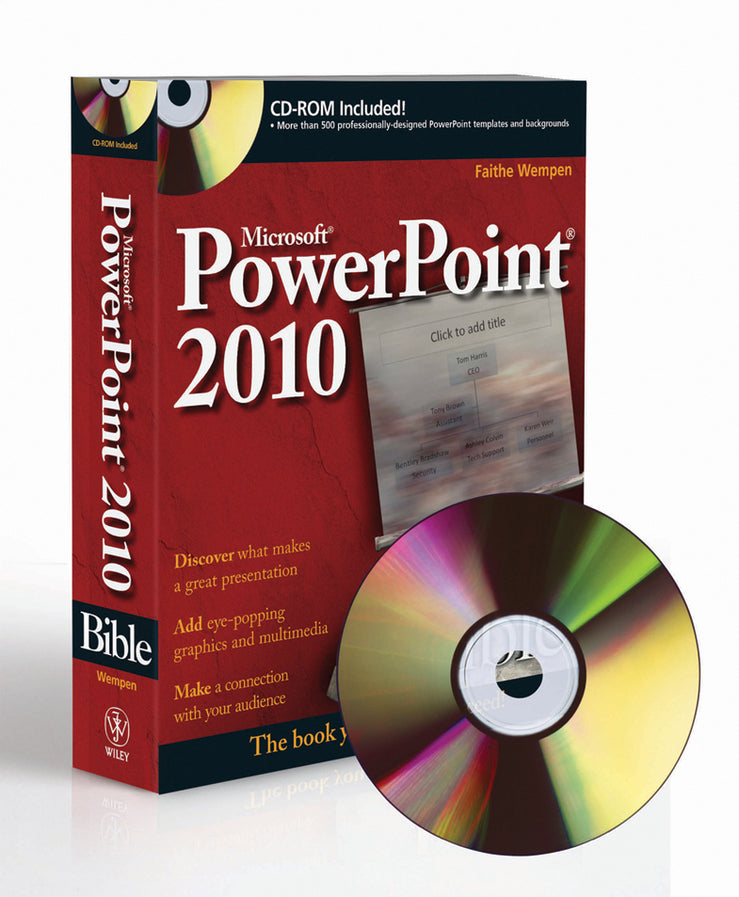
PowerPoint 2010 Bible
Faithe Wempen (Author)
9780470591864, Wiley
Multiple-component retail product, part(s) enclosed, published 11 May 2010
816 pages
23.4 x 18.8 x 4.6 cm, 1.27 kg
Master PowerPoint and improve your presentation skills-with one book! It's no longer enough to have slide after slide of text, bullets, and charts. It's not even enough to have good speaking skills if your PowerPoint slides bore your audience. Get the very most out of all that PowerPoint 2010 has to offer while also learning priceless tips and techniques for making good presentations in this new PowerPoint 2010 Bible. Well-known PowerPoint expert and author Faithe Wempen provides formatting tips; shows you how to work with drawings, tables, and SmartArt; introduces new collaboration tools; walks you through five special presentation labs; and more. Coverage includes: It's the book you need to succeed with PowerPoint 2010 and your next live presentation!
Preface xxix Part I: Building Your Presentation 1 Chapter 1: A First Look at PowerPoint 3 Chapter 2:What Makes a Great Presentation? 37 Chapter 3: Creating and Saving Presentation Files 57 Chapter 4: Creating Slides and Text Boxes 89 Chapter 5: Working with Layouts, Themes, and Masters 115 Chapter 6: Formatting Text 151 Chapter 7: Formatting Paragraphs and Text Boxes 187 Chapter 8: Correcting and Improving Text 213 Chapter 9: Creating and Formatting Tables 235 Part II: Using Graphics and Multimedia Content 261 Chapter 10: Drawing and Formatting Objects 263 Chapter 11: Creating SmartArt Diagrams 311 Chapter 12: Using and Organizing Clip Art 331 Chapter 13: Working with Photographic Images 353 Chapter 14: Working with Charts 387 Chapter 15: Incorporating Content from Other Programs 421 Chapter 16: Adding Sound Effects, Music, and Soundtracks 437 Chapter 17: Incorporating Motion Video 463 Chapter 18: Creating Animation Effects and Transitions 491 Part III: Interfacing with Your Audience 521 Chapter 19: Creating Support Materials 523 Chapter 20: Preparing for a Live Presentation 545 Chapter 21: Designing User-Interactive or Self-Running Presentations 577 Chapter 22: Preparing a Presentation for Mass Distribution 607 Chapter 23: Sharing and Collaborating 629 Chapter 24: Customizing PowerPoint 649 Part IV: Project Labs 673 Lab 1: Presenting Content without Bulleted Lists 675 Lab 2: Adding Sound and Movement to a Presentation 691 Lab 3: Creating a Menu-Based Navigation System 709 Lab 4: Creating a Classroom Game 729 Appendix: What’s on the CD-ROM? 749 Index 753
Subject Areas: Business applications [UF]