Freshly Printed - allow 7 days lead
Couldn't load pickup availability
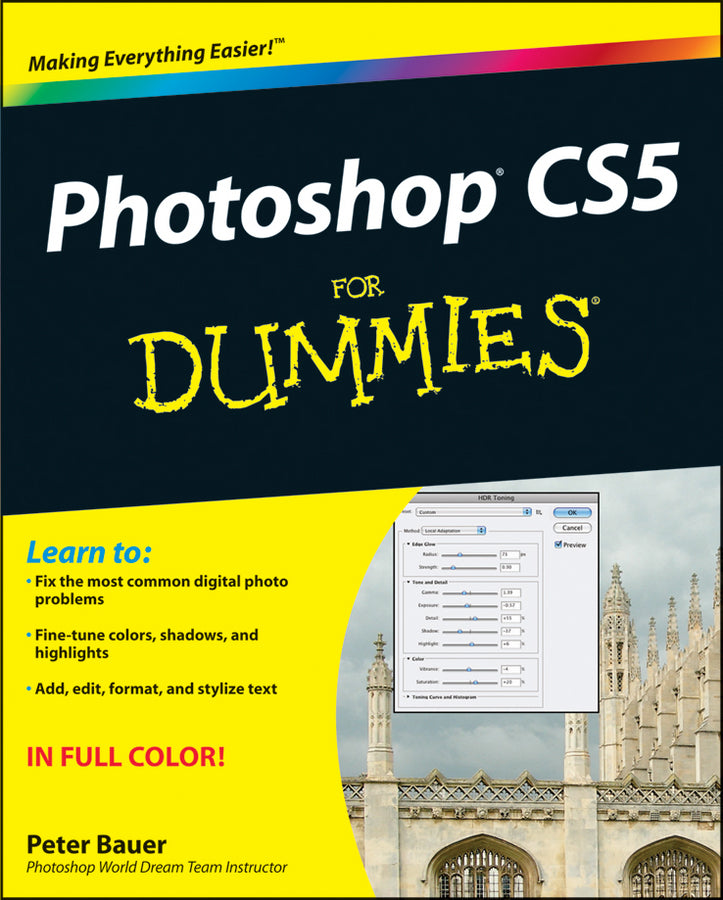
Photoshop CS5 For Dummies
Peter Bauer (Author)
9780470610787, Wiley
Paperback / softback, published 28 April 2010
432 pages, Photos: 0 B&W, 100 Color; Screen captures: 0 B&W, 300 Color
23.4 x 18.8 x 2.3 cm, 0.98 kg
"... written so that even beginners to the software can be up and running in no time at all." (Photoshopdaily.co.uk, August 2010) "This book does a sterling job of breaking everything down into small nuggets of information." (Digital SLR, October, 2010)
The bestselling guide to the leading image-editing software, fully updated Previous editions of this For Dummies guide have sold more 650,000 copies. Richly illustrated in full color, this edition covers all the updates Photoshop CS5, the gold standard for image-editing programs. Used by professional photographers, graphic designers, and web designers as well as hobbyists, Photoshop has more than four million users worldwide. Photoshop CS5 For Dummies helps both amateur and professional Photoshop users take advantage of all the program has to offer.
Introduction. Part I: Breezing through Basic Training. Chapter 1: Welcome to Photoshop! Chapter 2: Knowing Just Enough about Digital Images. Chapter 3: Taking the Chef’s Tour of Your Photoshop Kitchen. Chapter 4: Getting Images into and out of Photoshop. Part II: Easy Enhancements for Digital Images. Chapter 5: Adding Dark Shadows and Sparkling Highlights. Chapter 6: Making Color Look Natural. Chapter 7: The Adobe Camera Raw 6 Plug-In. Chapter 8: Fine-Tuning Your Fixes. Chapter 9: Common Problems and Their Cures. Part III: Creating "Art" in Photoshop. Chapter 10: Combining Images. Chapter 11: Precision Edges with Vector Paths. Chapter 12: Dressing Up Images with Layer Styles. Chapter 13: Giving Your Images a Text Message. Chapter 14: Painting in Photoshop. Chapter 15: Filters: The Fun Side of Photoshop. Part IV: Power Photoshop. Chapter 16: Streamlining Your Work in Photoshop. Chapter 17: Introducing Photoshop CS5 Extended. Part V: The Part of Tens. Chapter 18: Pete's Top Ten Favorite Photoshop Tips and Tricks. Chapter 19: Ten Reasons to Love Your Wacom Tablet. Chapter 20: Ten Things to Know about HDR. Index.
Subject Areas: Business applications [UF]