Freshly Printed - allow 7 days lead
Couldn't load pickup availability
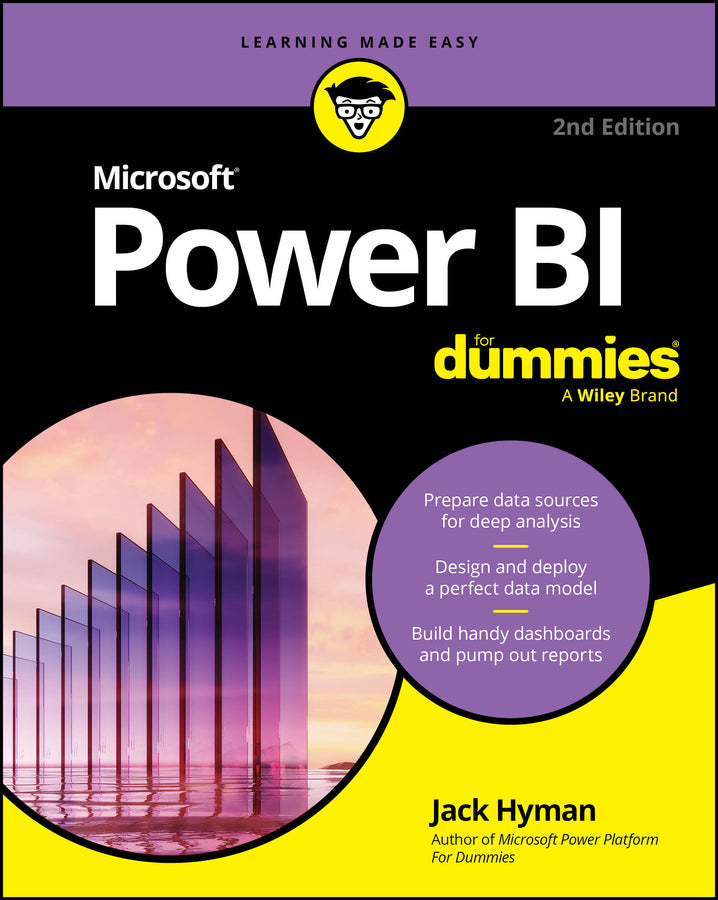
Microsoft Power BI For Dummies
Jack A. Hyman (Author)
9781394359738, Wiley
Paperback / softback, published 5 January 2026
448 pages
22.9 x 18.3 x 2.8 cm, 0.59 kg
Make smarter business decisions with Microsoft PowerBI Microsoft PowerBI For Dummies gives you the foundation you need to use this powerful software platform to manage your data and gather insight for making better decisions. With PowerBI, you can visualize, model, and interpret large datasets, quickly revealing insights that once took weeks to dig out. This book takes you through the basics of getting your data ready, preparing your analysis, and creating reports. Then, you'll dig into more advanced features using DAX—the PowerBI programming language—even if you have no prior programming experience. This edition covers the latest updates to the software, including AI integration, enhanced customization, and improved real-time collaboration tools. Businesses of all sizes can use PowerBI to manage their data. With Microsoft PowerBI For Dummies, you can quickly and easily set up PowerBI, learn the fundamentals, and handle complex reporting.
Introduction 1 Part 1: Put Your BI Thinking Caps On 7 Chapter 1: A Crash Course in Data Analytics Terms: Power BI Style 9 Chapter 2: The Who, How, and What of Power BI 23 Chapter 3: Oh, the Choices: Power BI Versions 37 Chapter 4: Power BI: The Highlights 47 Part 2: It’s Time to Have a Data Party 63 Chapter 5: Preparing Data Sources 65 Chapter 6: Getting Data from Dynamic Sources 81 Chapter 7: Cleansing, Transforming, and Loading Your Data 97 Part 3: The Art and Science of Power BI 121 Chapter 8: Crafting the Semantic Model 123 Chapter 9: Designing and Deploying Semantic Models 143 Chapter 10: Perfecting the Semantic Model 163 Chapter 11: Visualizing Data 179 Chapter 12: Pumping Out Reports. 209 Chapter 13: Diving into Dashboarding 229 Chapter 14: Sharing and the Power BI Workspace 247 Part 4: Oh, No! There’s a Power BI Programming Language! 267 Chapter 15: Digging into DAX 269 Chapter 16: Digging Deeper into DAX 285 Part 5: Enhancing Your Power BI Experience 307 Chapter 17: Making Your Data Shine 309 Chapter 18: Extending the Power BI Experience 327 Chapter 19: Enhancing Power BI with Fabric and Copilot 349 Part 6: The Part of Tens 373 Chapter 20: Ten Ways to Optimize DAX Using Power BI 375 Chapter 21: Ten Ways to Make Accessible and User-Friendly Reports 385 Chapter 22: Ten Useful Power BI Resources 397 Index 405
Subject Areas: Mathematics [PB]