Freshly Printed - allow 7 days lead
Couldn't load pickup availability
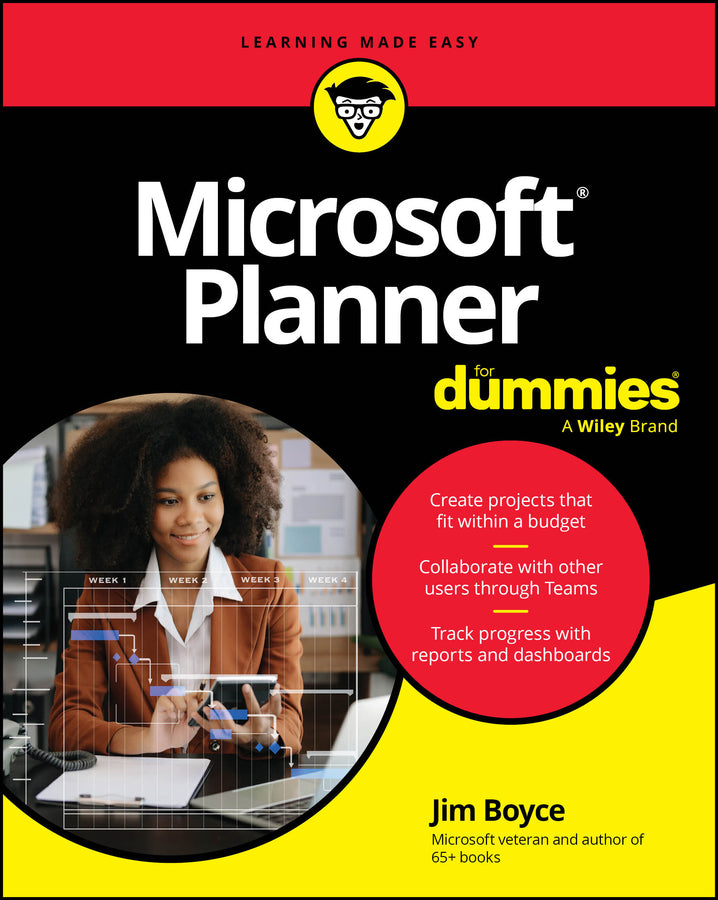
Microsoft Planner For Dummies
Jim Boyce (Author)
9781394393824, Wiley
Paperback / softback, published 30 April 2026
336 pages
23.4 x 18.5 x 1.8 cm, 0.454 kg
Tackle projects with confidence using Microsoft Planner Microsoft Planner For Dummies delivers a start-to-finish guide to Microsoft’s industry-leading project management software. Jim Boyce walks you through this not-as-confusing-as-it-first-looks software, showing you the ins and outs of creating projects, integrating Planner with other Microsoft software, organizing and assigning tasks, and more. Covering the key features of Planner Plan 1, you’ll get insight into planning a project, reporting and tracking progress, and managing plans with other collaborators. Keep your project running smoothly and on track, so the only thing you’ll have to worry about is checking tasks off your checklist. You’ll also find: For beginner project managers, Microsoft Planner For Dummies is your go-to guide. This is also an essential resource for project management students as well as experienced project managers who are new to – or need a refresher on – Microsoft Planner.
Introduction 1 Part 1: Getting Started with Microsoft Planner 5 Chapter 1: Introducing Microsoft Planner 7 Chapter 2: Choosing a Plan and a Path 23 Chapter 3: Comparing Microsoft Planner to Other Tools 33 Chapter 4: Stepping into Microsoft Planner 43 Part 2: Grasping the Basics of Microsoft Planner 55 Chapter 5: Navigating the Microsoft Planner Interface 57 Chapter 6: Creating and Managing Tasks 73 Chapter 7: Organizing and Structuring Tasks 87 Chapter 8: Collaborating and communicating with Microsoft Planner 101 Chapter 9: Managing Tasks 127 Part 3: Digging Deeper with Microsoft Planner 147 Chapter 10: Managing Plan Structure and Flow 149 Chapter 11: Adding Structure with Templates 167 Chapter 12: Managing Goals, Sprints, and Milestones 181 Part 4: Automating and Managing Microsoft Planner 195 Chapter 13: Leveraging Automation and Integration 197 Chapter 14: Integrating Copilot with Microsoft Planner 221 Chapter 15: Reporting from Microsoft Planner 243 Chapter 16: Managing Microsoft Planner in the Enterprise 271 Part 5: The Part of Tens 281 Chapter 17: Ten Tips for Faster, Smarter Planning 283 Chapter 18: Ten Outside-the-Box Use Cases for Microsoft Planner 289 Chapter 19: Ten Training and Support Resources 297 Index 301
Subject Areas: Business applications [UF]