Freshly Printed - allow 7 days lead
Couldn't load pickup availability
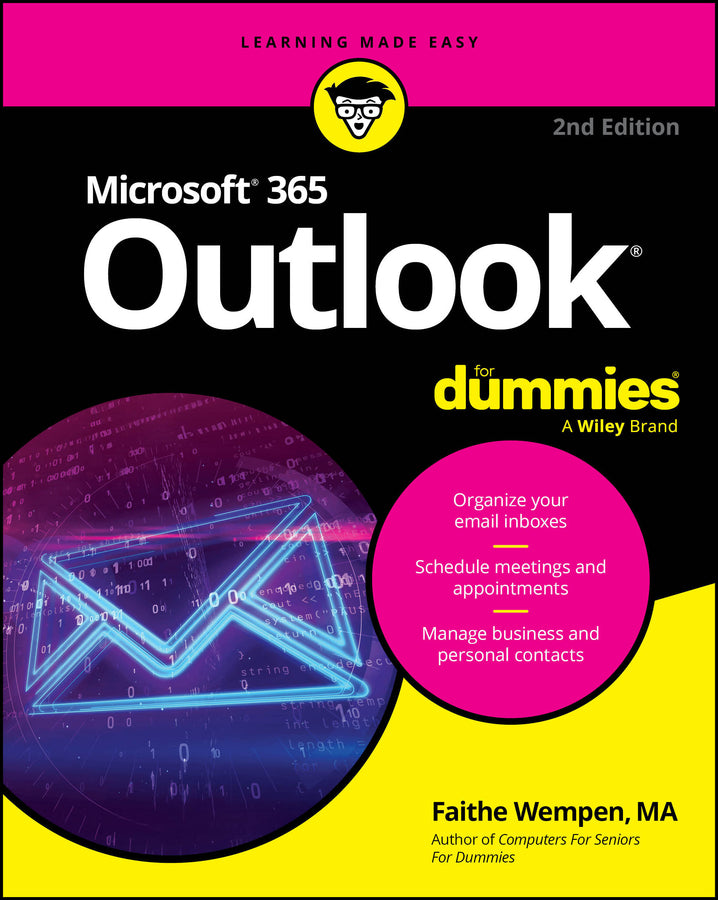
Microsoft 365 Outlook For Dummies
Faithe Wempen (Author)
9781394295685, Wiley
Paperback / softback, published 13 February 2025
400 pages
23.1 x 18.5 x 3 cm, 0.522 kg
Get up to speed on Microsoft's world-famous emailing, scheduling, collaborating, and organizing super-app Microsoft Outlook can do pretty much anything for you—short of cooking you a steak dinner. It can deliver and sort your email, filter out the junk, help you organize your life, send data to the cloud, sync up your various devices, and even integrate with iOS and Android. And in the latest edition of Microsoft Outlook For Dummies you'll learn how to do all of that, and more! Discover how to create automated mail-handling rules, translate messages into English or other languages, and share your calendar with other people. This latest edition even walks you through each of the four different versions of Outlook and their ideal use cases. You'll also find: Perfect for novices who are brand-new to Outlook, Microsoft Outlook For Dummies is also a must-buy resource for email veterans looking to pick up the latest tips for the newest versions of Microsoft's world-famous email software.
Introduction 1 Part 1: Getting Started with Outlook 365 5 Chapter 1: A First Look at Outlook 365 7 Chapter 2: Taking a Tour of the Outlook 365 Interface 21 Chapter 3: Getting on the Fast Track with Handy Shortcuts 37 Part 2: Taming the Email Beast 51 Chapter 4: Email Essentials 53 Chapter 5: Taking Email to the Next Level 75 Chapter 6: Conquering Your Mountain of Messages 99 Chapter 7: Managing Multiple Email Accounts and Data Files 139 Chapter 8: Merging Mail from Outlook to Microsoft Word 159 Part 3: Keeping Track of Contacts, Dates, Tasks, and More 173 Chapter 9: Your Little Black Book: Managing Your Contacts 175 Chapter 10: Organizing Your Schedule with the Calendar 197 Chapter 11: Staying on Task: To-Do Lists and More 223 Chapter 12: Using Exchange-Only Features 249 Chapter 13: Integrating Outlook with Google and iCloud 271 Part 4: Exploring Other Versions of Outlook 283 Chapter 14: Using Outlook for Windows 285 Chapter 15: Using Outlook on the Web 301 Chapter 16: Using Outlook for iOS and Android Devices 317 Part 5: The Part of Tens 331 Chapter 17: Ten (Plus One) Shortcuts Worth Taking 333 Chapter 18: Ten Ways to Customize Outlook 341 Chapter 19: Ten Things You Can’t Do with Outlook 361 Index 367
Subject Areas: Business applications [UF]