Freshly Printed - allow 7 days lead
Couldn't load pickup availability
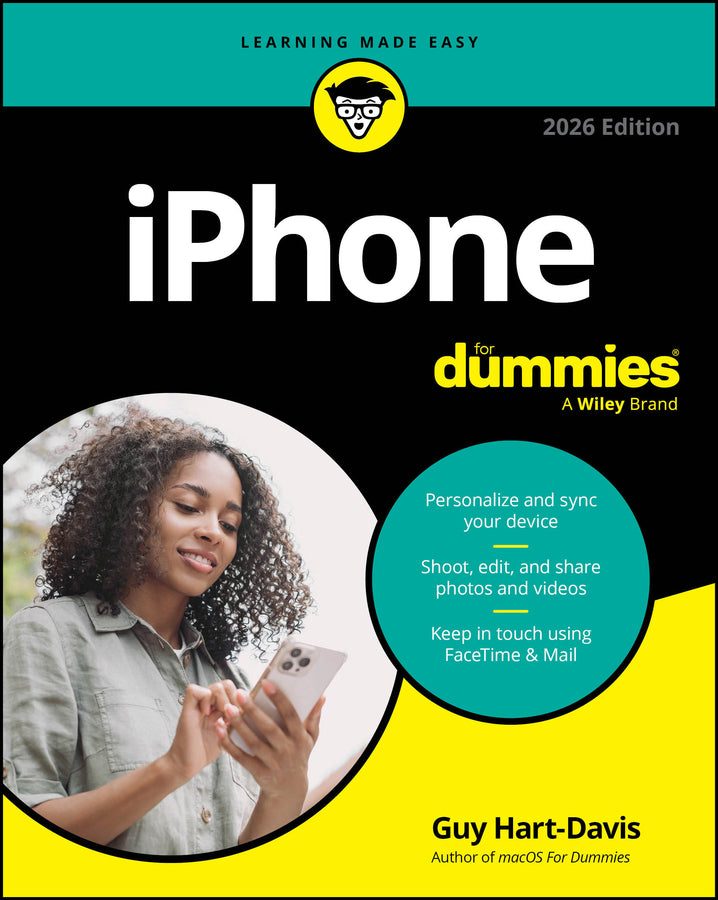
iPhone For Dummies, 2026 Edition
Guy Hart-Davis (Author)
9781394373956, Wiley
Paperback / softback, published 1 December 2025
368 pages
23.1 x 18.8 x 2.8 cm, 0.499 kg
Discover the features that make iPhones so popular! From day one setting up your Apple smartphone to utilizing it for everyday purposes, iPhone For Dummies breaks down the latest happenings with your device. Experienced Apple expert and tech educator Guy Hart-Davis walks you through how to make phone and FaceTime calls; send texts, messages, and emails; get online; and browse the web. Once connected, you can use your device for work or for play. Whether you need to create documents and edit spreadsheets, shoot video or take photos, or simply enjoy social networking and playing games, your Apple smartphone has you covered. Learn how to exploit the power of Apple Intelligence and customize your phone’s settings to suit your work, life, and accessibility needs. You can also discover how to adjust your phone’s privacy settings, app permissions, and security settings so you can better protect your info and data. Then, test out the new Liquid Glass interface, transfer data from your old phone (Apple or Android) to a new one, and make the most of the capabilities and features added by the latest iPhone models. iPhone For Dummies shows you how to: Looking for the latest tips and tricks to get the most out of your smartphone? iPhone For Dummies is your step-by-step guide to these fan-favorite phones.
Introduction 1 Part 1: Up and Running with Your iPhone 5 Chapter 1: Setting Up and Navigating Your iPhone 7 Chapter 2: Mastering Essential Moves 25 Chapter 3: Getting in Sync 47 Chapter 4: Using Control Center and Siri 63 Chapter 5: Setting Your iPhone Straight 77 Chapter 6: Finding and Managing Apps 111 Part 2: Communicating and Organizing 123 Chapter 7: Making Phone and FaceTime Calls 125 Chapter 8: Going on a Mobile Safari 147 Chapter 9: Texting 1, 2, 3: Messages and Notes 169 Chapter 10: The Email Must Get Through 187 Chapter 11: Managing Your Calendar and Commitments 215 Chapter 12: Using Maps, Stocks, Voice Memos, and Health 229 Part 3: Creating and Consuming Multimedia 251 Chapter 13: Enjoying Music and Podcasts 253 Chapter 14: Shooting, Editing, and Sharing Photos 271 Chapter 15: Shooting and Watching Videos 299 Part 4: The Part of Tens 311 Chapter 16: Ten+ Essential iPhone Apps and Features 313 Chapter 17: Ten Helpful Hints, Tips, and Shortcuts 325 Index 337
Subject Areas: Electronics & communications engineering [TJ]