Freshly Printed - allow 7 days lead
Couldn't load pickup availability
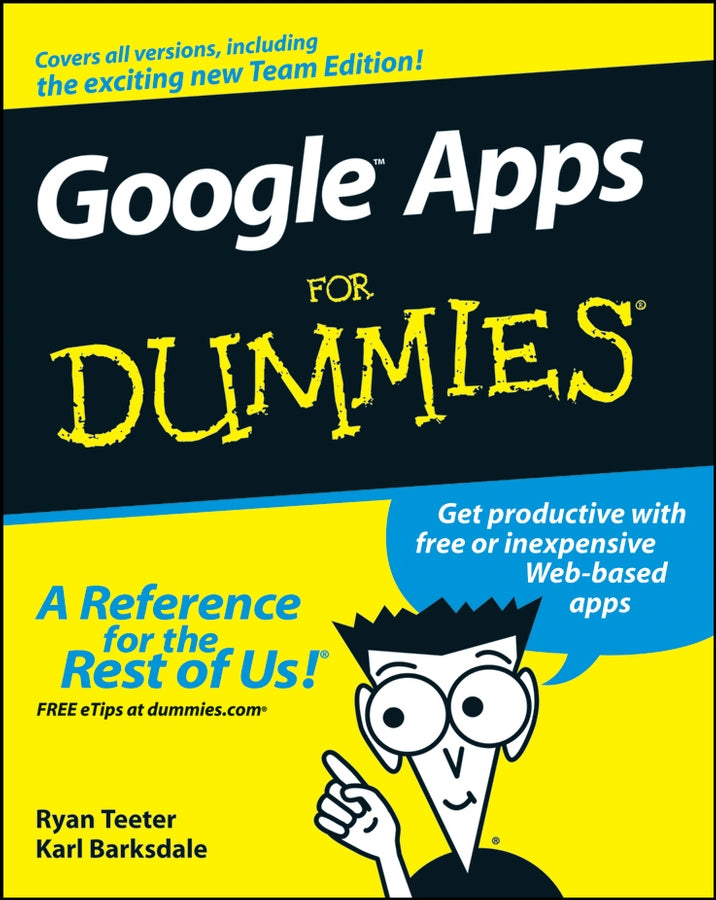
Google Apps For Dummies
Ryan Teeter (Author), Karl Barksdale (Author)
9780470189580, Wiley
Paperback / softback, published 24 April 2008
384 pages
22.9 x 18.5 x 2.8 cm, 0.499 kg
Your key to making this revolutionary new approach work for you and your organization Whether you're an individual who wants to take advantage of iGoogle or an organization looking for an enterprise-wide training solution for users at all levels, this comprehensive, practical guide brings you up to speed with all of the basic information and advanced tips and tricks you need to make good use of every Google Apps's tool and capability. Discover how to: Google Apps are poised to shatter the primacy of the current way of working with PCs, saving businesses, schools, government agencies, and individuals big bucks on software, network infrastructure, and administration.
Google Apps are Web-based, low-cost (or free!) office productivity tools that do everything those expensive applications do — and you can access them from any computer with an Internet connection. Google Apps For Dummies boosts your "app-titude" by giving you the low-down on choosing, setting up, and using these nifty and powerful gadgets for work or play.
Introduction 1
Part I: Up and Going with Google Apps 7
Chapter 1: Introducing Google Apps 9
Chapter 2: Signing Up for Google Apps 17
Chapter 3: The Start Page 37
Part II: Keeping in Touch and on Time: Gmail, Talk, and Calendar 49
Chapter 4: Connecting with Gmail 51
Chapter 5: Discovering Advanced Gmail Tools 69
Chapter 6: Keeping in Touch with the Contacts List 89
Chapter 7: Chatting with Gmail Chat and Google Talk 103
Chapter 8: Filling Your Calendar115
Chapter 9: Sharing Your Calendar with Others 133
Part III: Getting to Work: Documents, Spreadsheets, and Presentations 155
Chapter 10: Finding Your Way around the Google Docs Home 157
Chapter 11: Word Processing with Google Docs 173
Chapter 12: Crunching Numbers with Google Spreadsheets 199
Chapter 13: Creating Amazing Google Presentations 227
Part IV: Popping the Hood: Google Apps Administration 255
Chapter 14; The Dashboard 257
Chapter 15: Start Page Configuration and Administration277
Chapter 16: Creating a Web Site for Your Organization291
Chapter 17: Tweaking Your Apps 313
Part V: The Part of Tens 331
Chapter 18: Ten Solutions to Common Problems 333
Chapter 19: Ten More Google Apps for Your Business, Group, or Organization 341
Index 349
Subject Areas: Business applications [UF]