Freshly Printed - allow 7 days lead
Couldn't load pickup availability
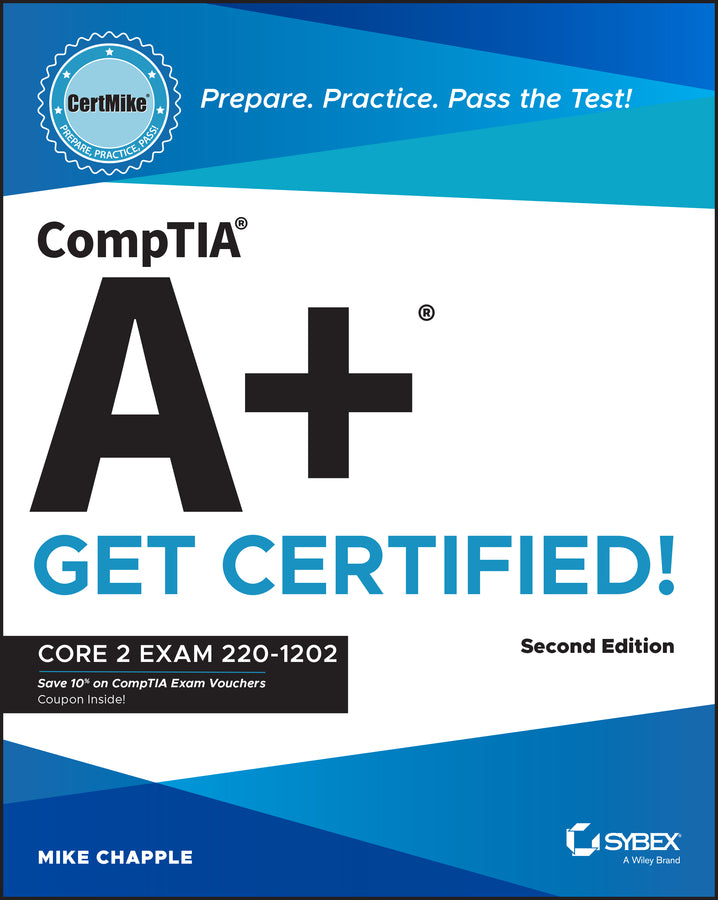
CompTIA A+ CertMike: Prepare. Practice. Pass the Test! Get Certified!
Core 2 Exam 220-1202
Mike Chapple (Author)
9781394357680, Wiley
Paperback / softback, published 26 August 2025
688 pages
24.1 x 19.6 x 5.3 cm, 1.111 kg
Skip the fluff and quickly master the essentials with this accurate CompTIA A+ certification test prep In the second edition of CompTIA A+ CertMike: Prepare. Practice. Pass the Test! Get Certified! Core 2 Exam 220-1202, tech educator and expert Mike Chapple delivers a hands-on guide to efficiently and effectively preparing for the CompTIA A+ Core 2 exam. The book contains concise discussions of the operating systems, security practices, software troubleshooting techniques, and operational procedures you'll need for the updated test and on a day-to-day basis at your job. Chapple covers all relevant technological advances in mobile, cloud, networking, and security that have taken place since publication of the first edition of this book. He also walks you through the material you need to know to succeed on the newly created 220-1202 exam. You'll use the proven CertMike approach to: Laser-focused on starting and accelerating your IT technician career and ensuring your success on the A+ certification Core 2 exam, the book skips the fluff and familiarizes you with IT basics you'll use on the test and every day in your work. It also offers complimentary access to helpful online study tools, like a bonus practice exam and audio recordings of the CertMike Exam Essentials. The second edition of CompTIA A+ CertMike is perfect for anyone preparing for their A+ certification who wants to reduce test anxiety, boost their confidence, and get up to speed quickly and efficiently. It's also a great resource for hardware and PC technicians who want to reinforce foundational skills and upgrade their professional knowledge.
Introduction xxi PART I DOMAIN 1.0: OPERATING SYSTEMS 1 CHAPTER 1 Operating System Types 3 CHAPTER 2 Operating System Installations and Upgrades 19 CHAPTER 3 Microsoft Windows Editions 35 CHAPTER 4 Windows Operating System Tools 51 CHAPTER 5 Microsoft Command-Line Tools 71 CHAPTER 6 Windows Settings 95 CHAPTER 7 Windows Networking 135 CHAPTER 8 macOS 159 CHAPTER 9 Linux 189 CHAPTER 10 Application Installation and Configuration 219 CHAPTER 11 Cloud-Based Productivity Tools 231 PART II DOMAIN 2.0: SECURITY 243 CHAPTER 12 Physical Security 245 CHAPTER 13 Logical Security 263 CHAPTER 14 Windows Security 277 CHAPTER 15 Wireless Security 309 CHAPTER 16 Malware 321 CHAPTER 17 Social Engineering and Security Threats 335 CHAPTER 18 SOHO Malware Removal 353 CHAPTER 19 Workstation Security Configuration 369 CHAPTER 20 Mobile Device Security 385 CHAPTER 21 Data Destruction and Disposal 397 CHAPTER 22 Network Security 411 CHAPTER 23 Browser Security 427 PART III DOMAIN 3.0: SOFTWARE TROUBLESHOOTING 445 CHAPTER 24 Troubleshooting Windows 447 CHAPTER 25 Troubleshooting Mobile Device OS and Applications 461 CHAPTER 26 Troubleshooting Mobile Device Security 475 CHAPTER 27 Troubleshooting PC Security 489 PART IV DOMAIN 4.0: OPERATIONAL PROCEDURES 505 CHAPTER 28 Documentation 507 CHAPTER 29 Change Management 523 CHAPTER 30 Workstation Backup and Recovery 537 CHAPTER 31 Safety 547 CHAPTER 32 Environmental Protection 563 CHAPTER 33 Privacy, Licensing, Policy, and Incident Response 573 CHAPTER 34 Communication and Professionalism 587 CHAPTER 35 Scripting 597 CHAPTER 36 Remote Access 607 CHAPTER 37 Artificial Intelligence 625 Index 637
Subject Areas: Education [JN]