Freshly Printed - allow 7 days lead
Couldn't load pickup availability
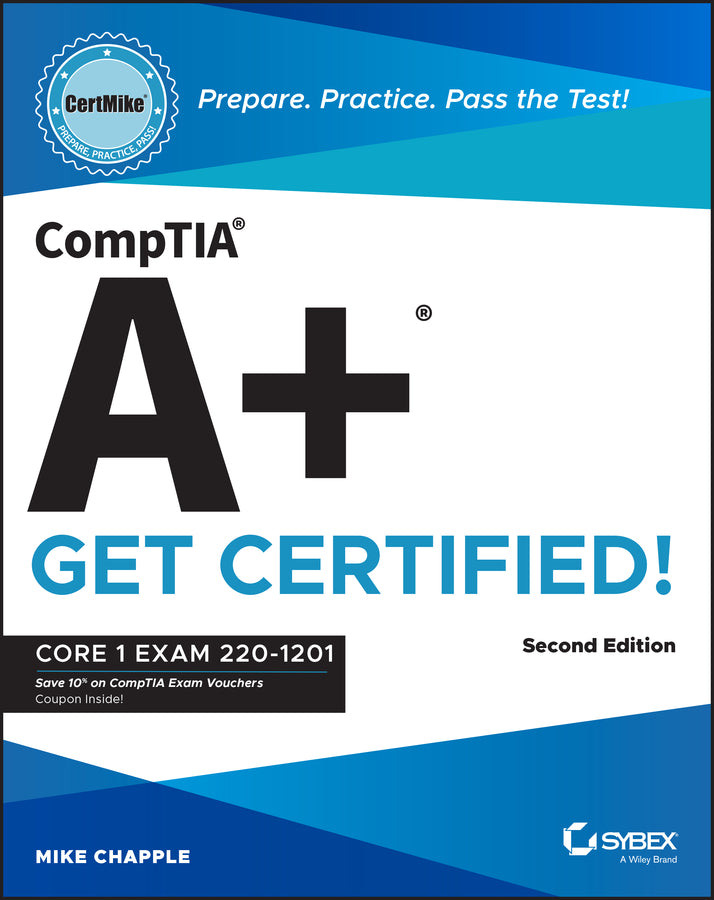
CompTIA A+ CertMike: Prepare. Practice. Pass the Test! Get Certified!
Core 1 Exam 220-1201
Mike Chapple (Author)
9781394357536, Wiley
Paperback / softback, published 25 August 2025
464 pages
23.1 x 18.3 x 2.8 cm, 0.748 kg
Skip the fluff and quickly master the essentials with this accurate CompTIA A+ certification test prep In the second edition of CompTIA A+ CertMike: Prepare. Practice. Pass the Test! Get Certified! Core 1 Exam 220-1201, tech educator and expert Mike Chapple delivers a hands-on guide to efficiently and effectively preparing for the CompTIA A+ Core 1 exam. The book contains concise discussions of the mobile devices, networking technologies, hardware components, virtualization and cloud computing services, and troubleshooting techniques you'll need for the updated test and on a day-to-day basis at your job. Chapple covers all relevant technological advances in mobile, cloud, networking, and security that have taken place since publication of the first edition of this book. He also walks you through the material you need to know to succeed on the newly created 220-1201 exam. You'll use the proven CertMike approach to: Laser-focused on starting and accelerating your IT technician career and ensuring your success on the A+ certification Core 1 exam, the book skips the fluff and familiarizes you with IT basics you'll use on the test and every day in your work. It also offers complimentary access to helpful online study tools, like a bonus practice exam and audio recordings of the CertMike Exam Essentials. The second edition of CompTIA A+ CertMike is perfect for anyone preparing for their A+ certification who wants to reduce test anxiety, boost their confidence, and get up to speed quickly and efficiently. It's also a great resource for hardware and PC technicians who want to reinforce foundational skills and upgrade their professional knowledge.
Introduction xxi Part I Domain 1.0: Mobile Devices 1 Chapter 1 Mobile Device Hardware 3 Chapter 2 Mobile Device Accessories and Connectivity 19 Chapter 3 Mobile Device Network Connectivity and Application Support 35 Part II Domain 2.0: Networking 53 Chapter 4 TCP/IP Networking 55 Chapter 5 TCP/IP Ports and Protocols 61 Chapter 6 Wireless Networking Protocols 71 Chapter 7 Networked Host Services 85 Chapter 8 Network Configuration 97 Chapter 9 Networking Hardware 109 Chapter 10 Installing and Configuring Networks 125 Chapter 11 Internet Connection Types 137 Chapter 12 Networking Tools 149 Part III Domain 3.0: Hardware 159 Chapter 13 Displays 161 Chapter 14 Cables and Connectors 171 Chapter 15 Random Access Memory (RAM) 195 Chapter 16 Storage Devices 207 Chapter 17 Motherboards 229 Chapter 18 Booting, CPUs, and Expansion Cards 247 Chapter 19 Power Supplies 265 Chapter 20 Printer and Multifunction Device Configuration 277 Chapter 21 Printer Maintenance 297 Part IV Domain 4.0: Virtualization and Cloud Computing 309 Chapter 22 Virtualization 311 Chapter 23 Cloud Computing 321 Part V Domain 5.0: Hardware and Network Troubleshooting 329 Chapter 24 Troubleshooting 331 Chapter 25 Troubleshooting Motherboards, RAM, CPU, and Power 337 Chapter 26 Troubleshooting Storage 355 Chapter 27 Troubleshooting Video 373 Chapter 28 Troubleshooting Mobile Devices 385 Chapter 29 Troubleshooting Networks 399
Index 421
Subject Areas: Education [JN]