Freshly Printed - allow 7 days lead
Couldn't load pickup availability
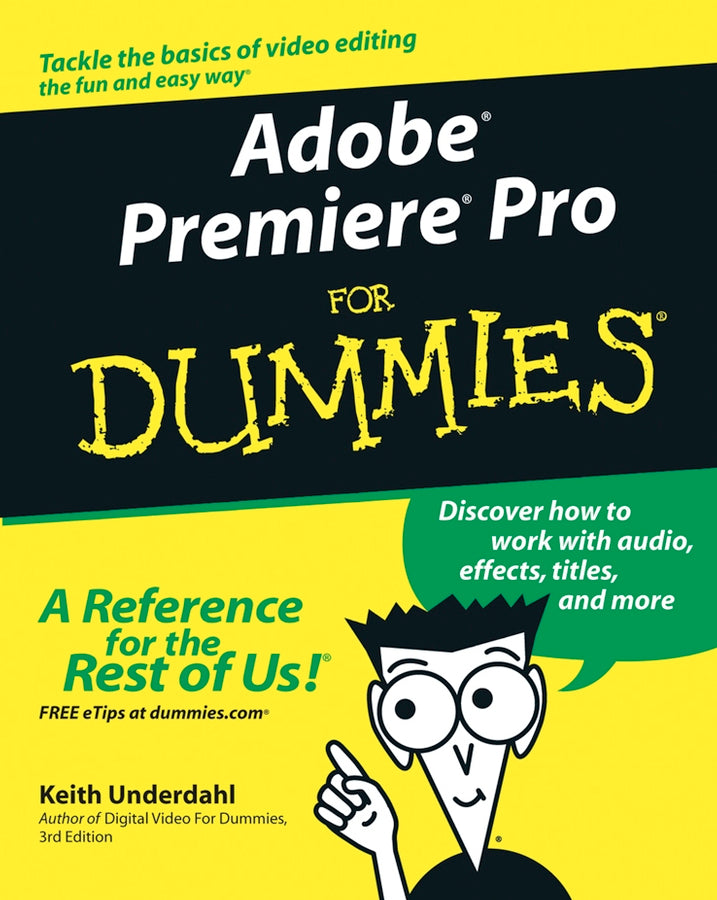
Adobe Premiere Pro For Dummies
Keith Underdahl (Author)
9780764543449, Wiley
Paperback / softback, published 24 October 2003
384 pages
23.4 x 19 x 2 cm, 0.544 kg
Quiet on set! Time to start your moviemaking adventure -- here's what you need to know about capturing, editing, and publishing your videos If you're an amateur filmmaker shooting documentaries or a hobbyist putting together a family video, Adobe Premiere Pro For Dummies is the book for you. From setting up a production studio and shooting good footage, to editing clips, adding effects, and working with audio, this user-friendly and comprehensive guide written in plain English can help you create your next video masterpiece and share the finished product. This handy guide starts with the basics, getting you familiar with the Adobe Premiere Pro software and its interface and helping you set up your dream studio. From there, you'll dive into capturing footage for your videos, learn how to manage multiple movie projects, and edit movies to your liking. You'll learn to: Once you're finalized your movie project, you can export it, save it to DVD, or publish it online. But that's not all! With this helpful guide, you'll learn pro movie-making tips, third-party software add-ons, and additional tools for your production studio. Pick up your copy and start shooting your film today.
Introduction. Part I: Introducing Adobe Premiere Pro. Chapter 1: Getting to Know Premiere Pro. Chapter 2: Setting Up Your Production Studio. Chapter 3: Getting Premiere Pro Ready to Work. Part II: Gathering Footage. Chapter 4: A Crash Course in Video Production. Chapter 5: Starting and Managing Your Movie Projects. Chapter 6: Capturing, Importing, and Managing Media. Part III: Editing in Premiere Pro. Chapter 7: Editing Clips. Chapter 8: Working with the Timeline. Chapter 9: Transitioning Between Clips. Chapter 10: Improving Your Video Images. Chapter 11: Compositing and Animating Clips. Chapter 12: Affecting Effects in Your Movies. Chapter 13: Working with Audio. Chapter 14: Giving Credit with Titles. Part IV: Wrapping Up Your Project. Chapter 15: Finalizing the Project. Chapter 16: Sending Your Project to the World Wide Web. Chapter 17: Exporting Your Movie to Tape. Chapter 18: Recording DVDs. Part V: The Part of Tens. Chapter 19: Ten Movie-Making Tips and Tricks. Chapter 20: Ten Essential Software Add-Ons for Adobe Premiere. Chapter 21: Ten Tools (and Toys) for Your Production Studio. Part VI: Appendix. Appendix. Index.
Subject Areas: Business applications [UF]