Freshly Printed - allow 7 days lead
Couldn't load pickup availability
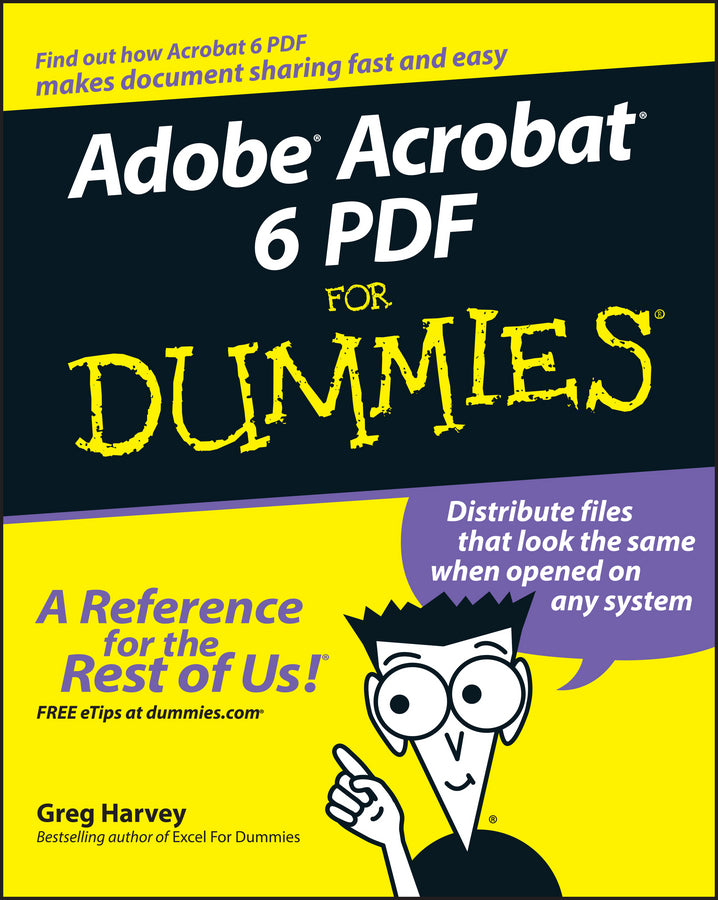
Adobe Acrobat 6 PDF For Dummies
Greg Harvey (Author)
9780764537608, Wiley
Paperback / softback, published 22 August 2003
416 pages
23.4 x 18.8 x 2.3 cm, 0.726 kg
Learn to use Adobe Acrobat and read, write, and manage PDF documents like a pro You can convert any document to PDF, a universal file format, preserving all the fonts, formatting, graphics, and color of the source document — regardless of the application and platform used to create it — making it super easy to share documents electronically or after printing them. If you need to convert paper documents into PDF files, save graphics as PDFs, create PDF form files (that others can use to submit data), or create and publish PDF files as ebooks, Adobe Acrobat 6 For Dummies can help — no experience with Adobe Acrobat or PDF files is required. You can publish and distribute PDF files anywhere: in print, attached to email, on corporate servers, and posted on websites. Professionals in sales, web design, marketing, and public relations alike — and anyone who needs to read, write, edit, or otherwise manipulate PDF documents — will benefit from this no-nonsense and comprehensive guide written in plain English. You'll discover how to With your own copy of Adobe Acrobat 6 For Dummies, you can learn how to do all of that, find the best third-party Acrobat plug-ins to try, peruse helpful online resources, and more!
Introduction 1 Part I: Presenting Acrobat and PDF Files 7 Chapter 1: The Ins and Outs of PDF Files 9 Chapter 2: Accessing PDF Files 21 Chapter 3: Getting Acquainted with Acrobat 6 53 Part II: The Wealth of Ways for Creating PDF Files 79 Chapter 4: Distilling PDF Files 81 Chapter 5: Converting Microsoft Office Documents 107 Chapter 6: Capturing Paper Documents 121 Chapter 7: Capturing Web Pages 133 Chapter 8: Printing PDF Files 147 Part III: Reviewing, Editing, and Securing PDFs 159 Chapter 9: Annotating PDF Files for Review 161 Chapter 10: Editing PDF Files 203 Chapter 11: Securing PDF Files 239 Chapter 12: Extracting Text and Graphics from PDF Files 263 Chapter 13: Cataloging and Distributing PDF Files 275 Part IV: PDFs as Electronic Documents 291 Chapter 14: Creating Interactive Forms 293 Chapter 15: Building and Publishing eBooks 327 Chapter 16: Making PDFs into Multimedia Presentations 355 Part V: The Part of Tens 377 Chapter 17: Top Ten Third-Party Acrobat Plug-Ins 379 Chapter 18: Top Ten Online Resources 383 Index 387
Subject Areas: Business applications [UF]